Click an image to enlarge it. To select an image:
Use Chrome.
Right-click the image and choose "Open image in new tab."
The image number will appear in the tab.
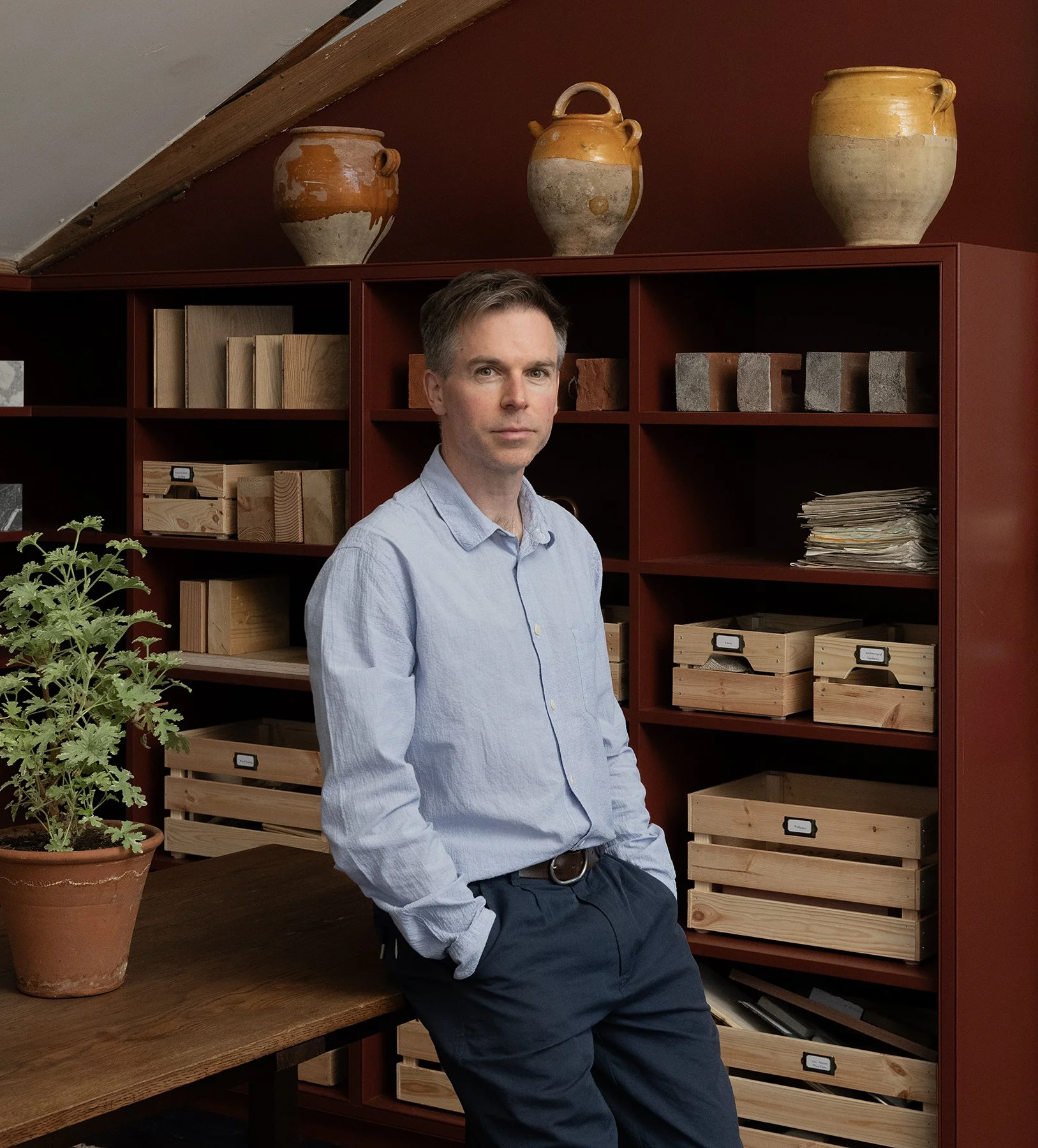
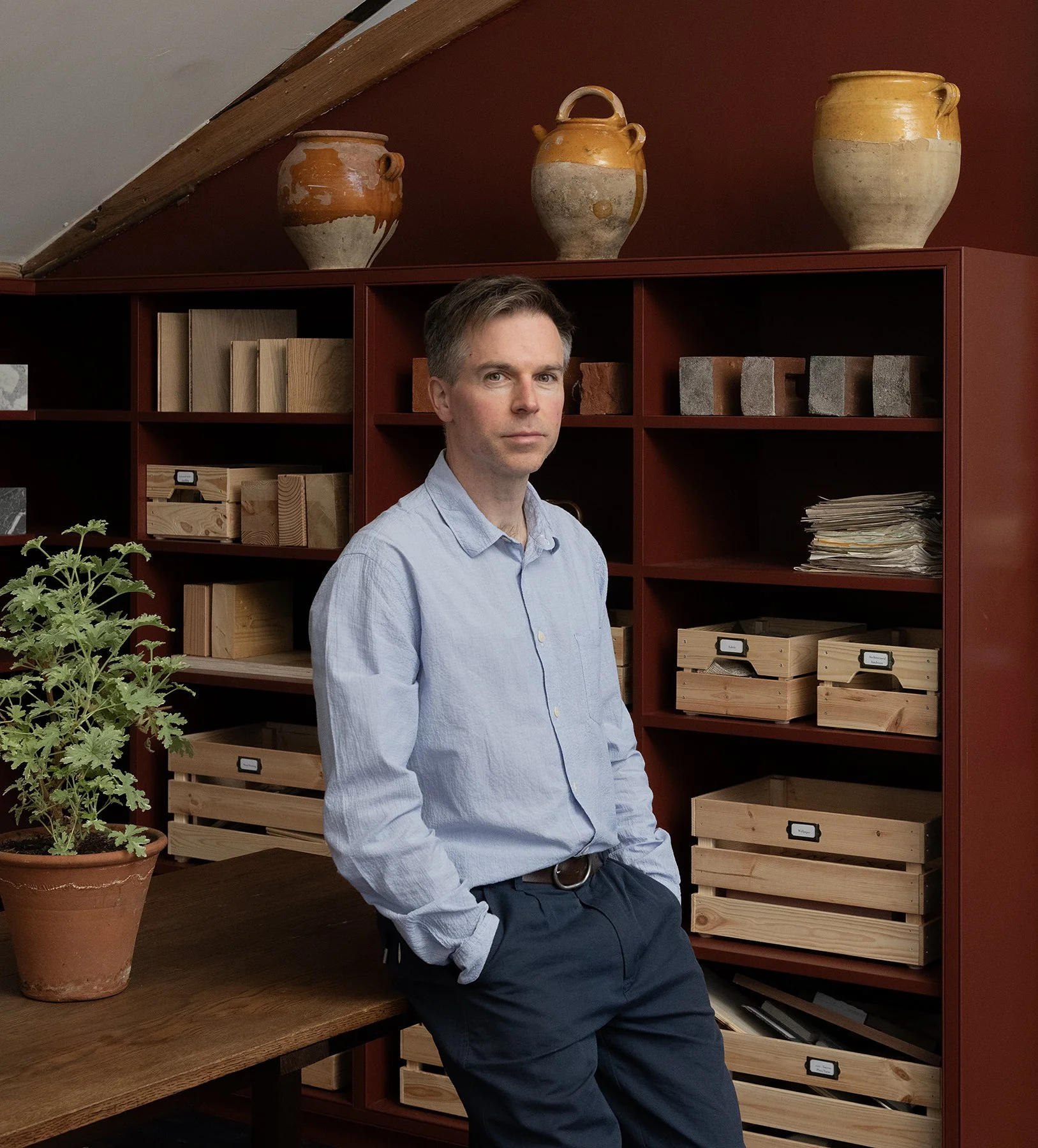
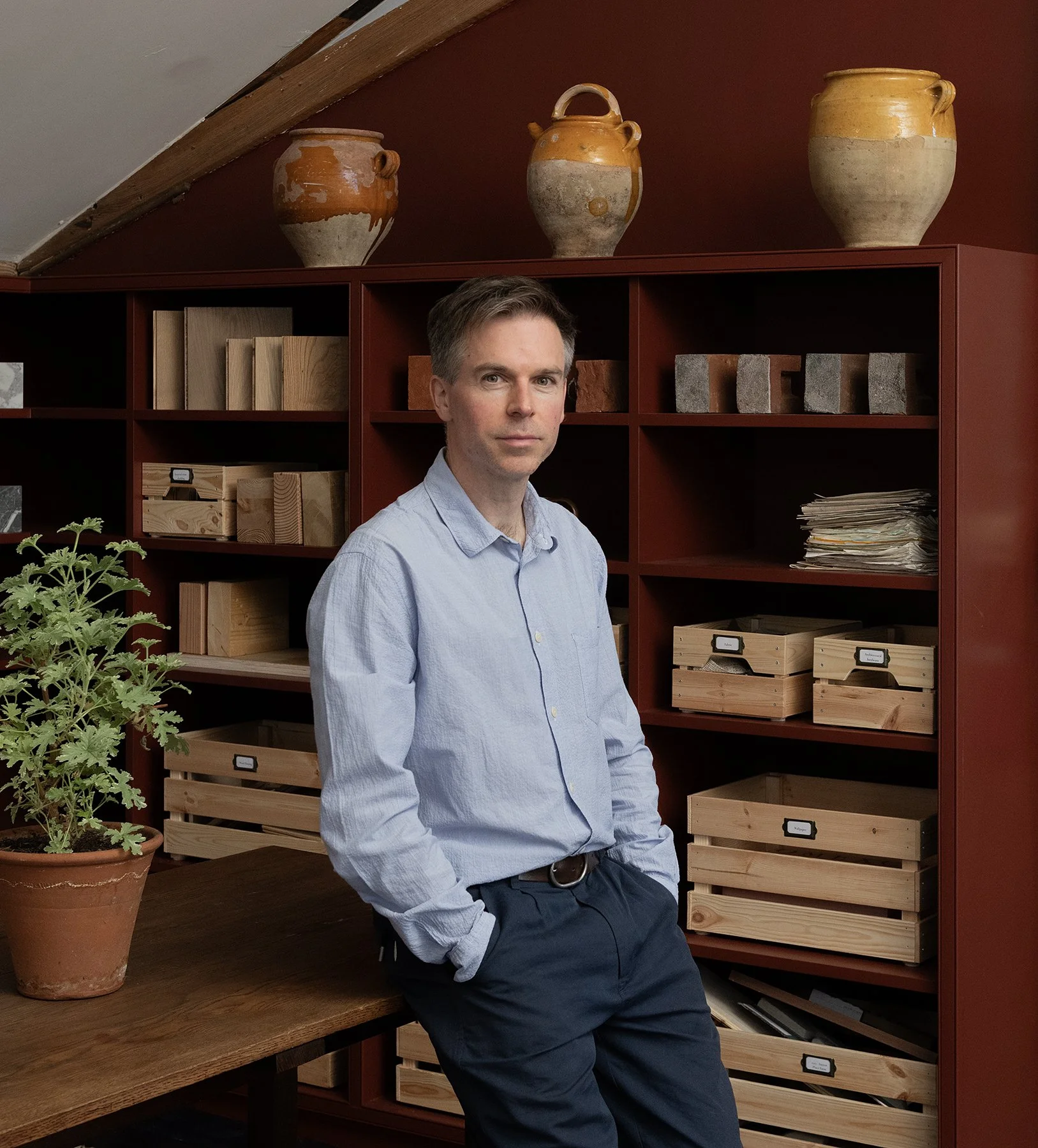
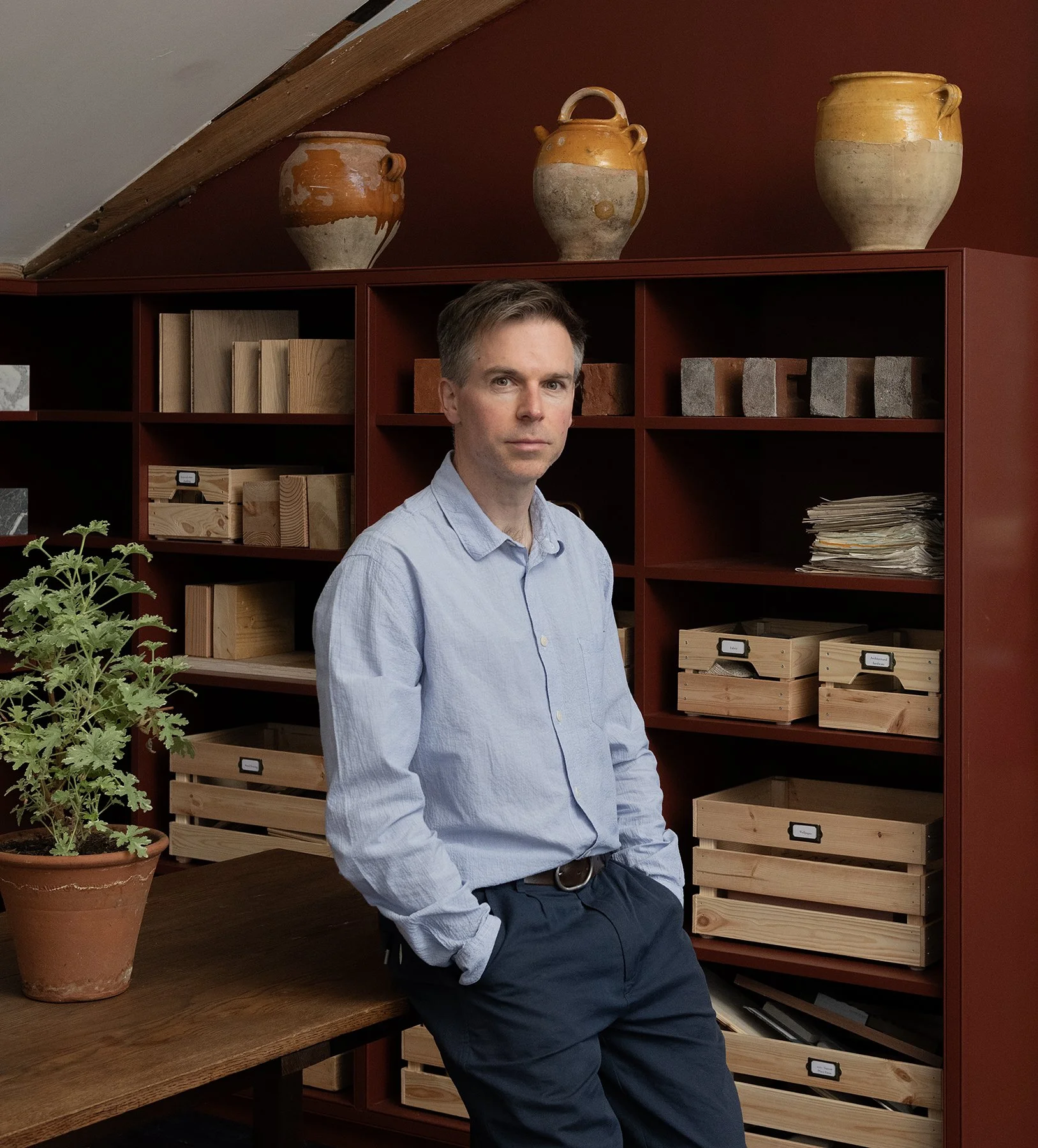
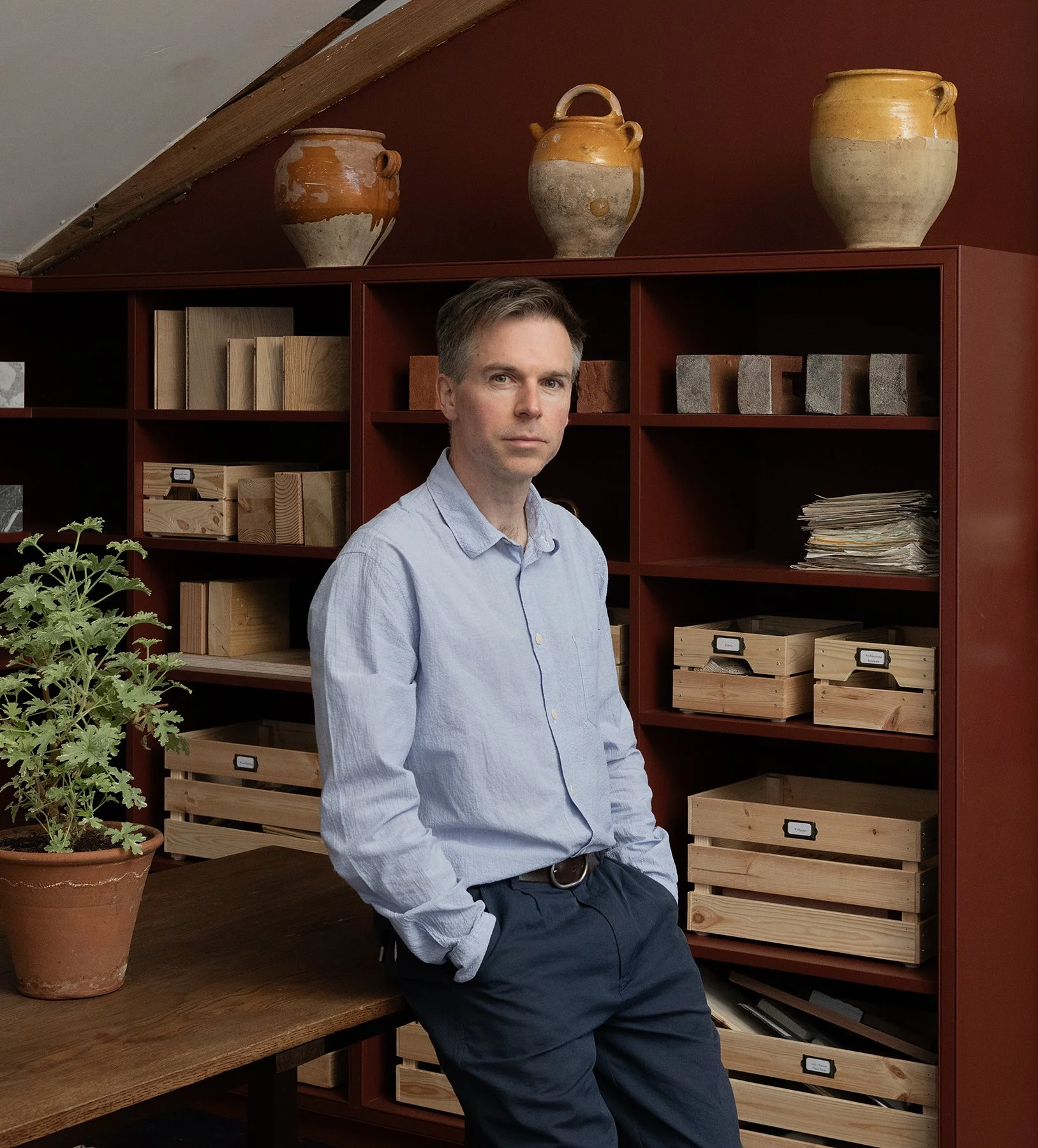
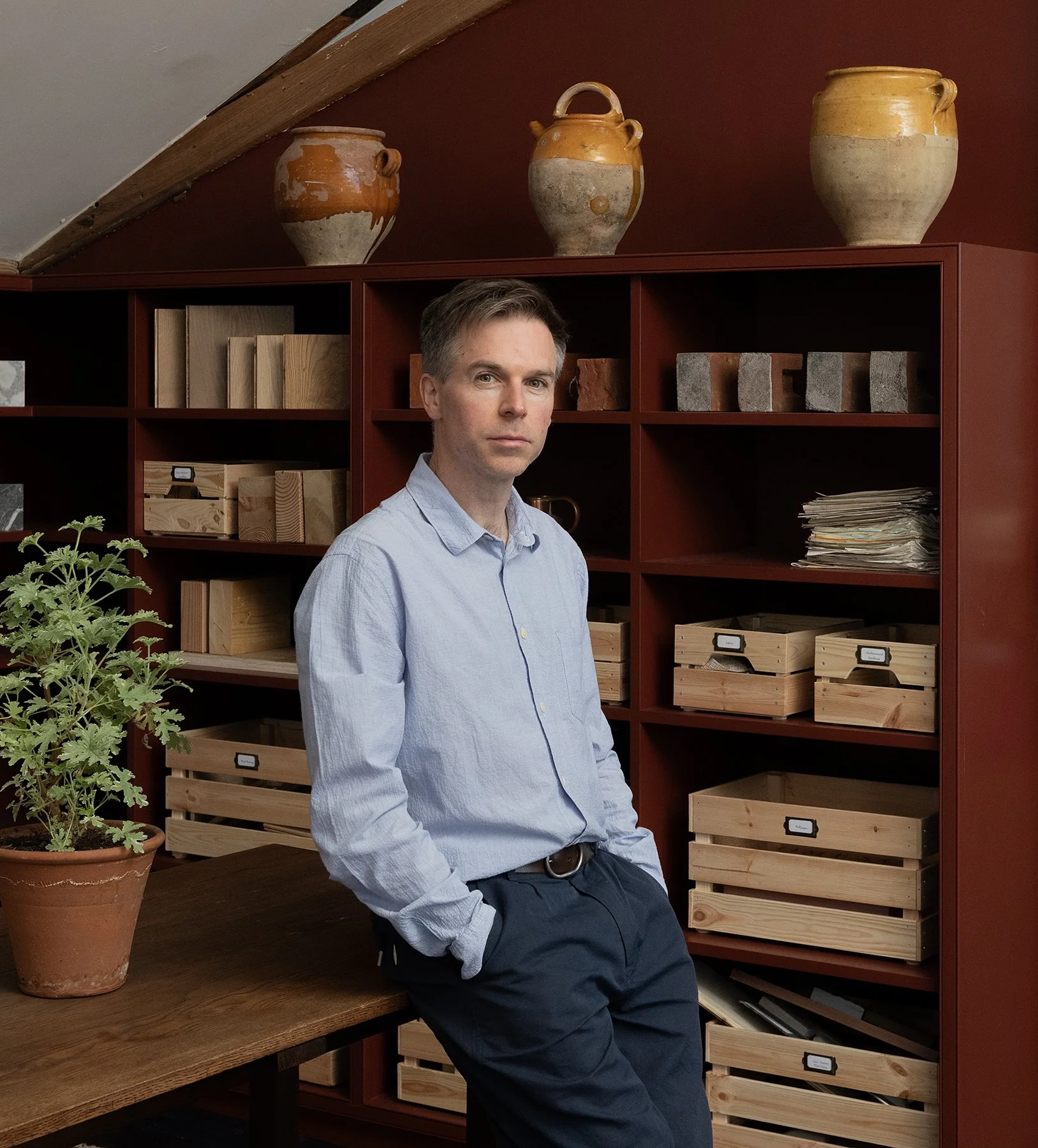






Below right side image is a colour profile and example of slight darkening and blurring of the background.
The left side image is only for comparison - which may be closer to what you want - it is a personal choice.
Very happy to talk this through on the phone.
*image 596